UX Framework
The Current Step HUD
Interaction Pattern
Overview
The Current Step HUD is a user interface module that externalises working memory by isolating and displaying only the immediate, atomic action required to progress a sequential task. It serialises complex, branching application logic into a strict, one-dimensional queue, ensuring the user is presented with a singular objective at any given time. The instruction persists on the screen until the user has acknowledged it or has completed the required action.
Implementation Specification
A persistent visual element (e.g., a display on the avatar’s wrist or a fixed heads-up display) that shows only the immediate next action. It updates automatically upon step completion.
The system architecture must enforce strict serialisation and event-driven updates to function correctly.
- Linear Task Serialisation: The application must flatten complex gameplay loops into a one-dimensional array or queue of atomic operations. The HUD must render only the current index (N); the subsequent step (N+1) must remain completely hidden from the render pipeline to prevent cognitive overload.
- State-Dependent Advancement: HUD updates must be strictly bound to verified state changes. The application must not increment the task index or update the display until the explicit logical conditions (event triggers) of the current step are fulfilled.
- Persistent Contextual Visibility: The user interface canvas rendering the prompt must remain persistently active. It must not be subject to temporal fading. It must be spatially anchored (e.g., constrained to the user's peripheral view or attached locally to a relevant interactive tool) until the step's completion event is fired.
- Multimodal Feedback Execution: Upon resolution of the current state event, prior to advancing the queue pointer, the system should trigger immediate multimodal confirmation (e.g., rendering a visual strikethrough alongside a positive audio cue; see Multimodal Consistency).
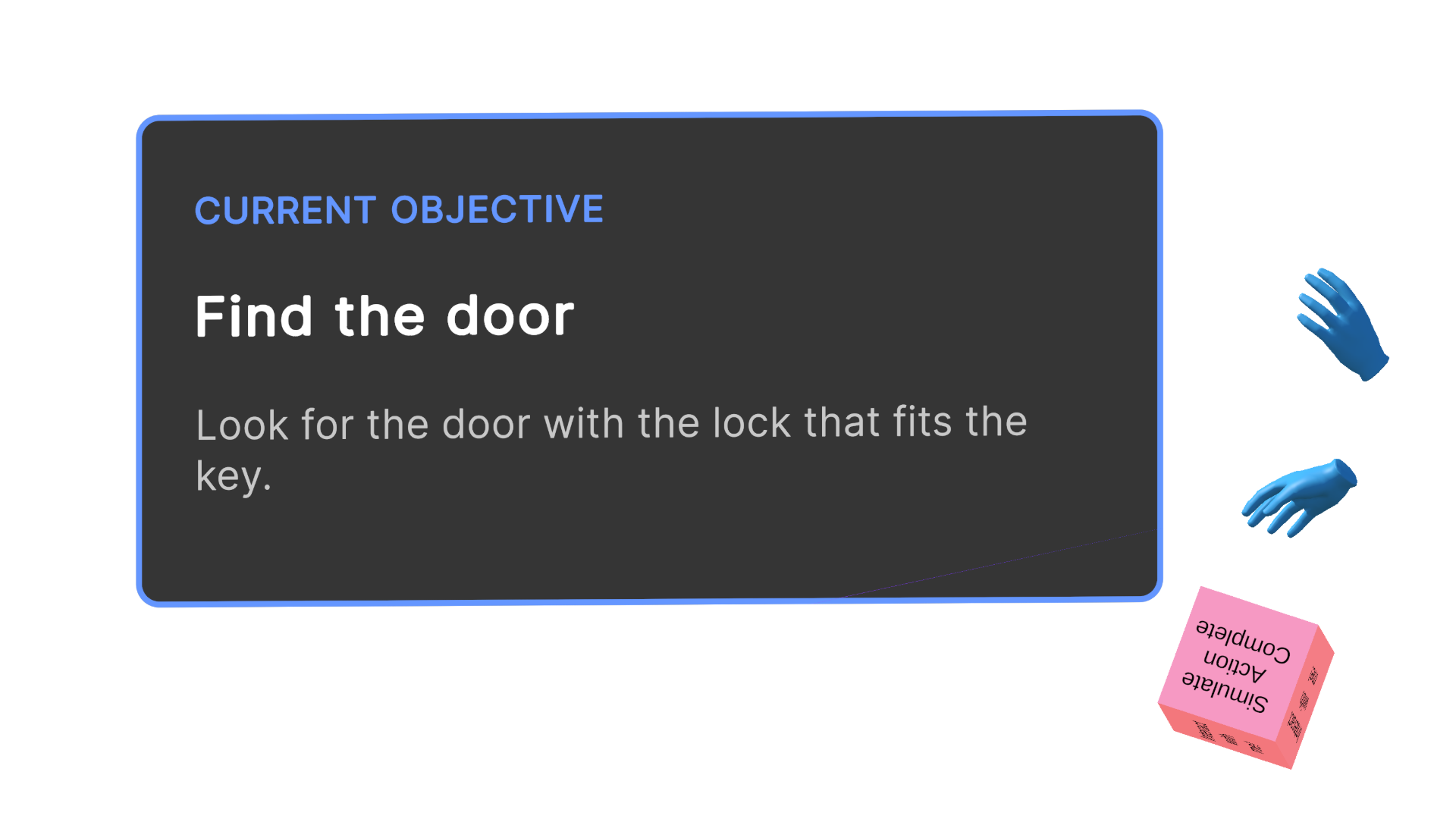
Current step 1
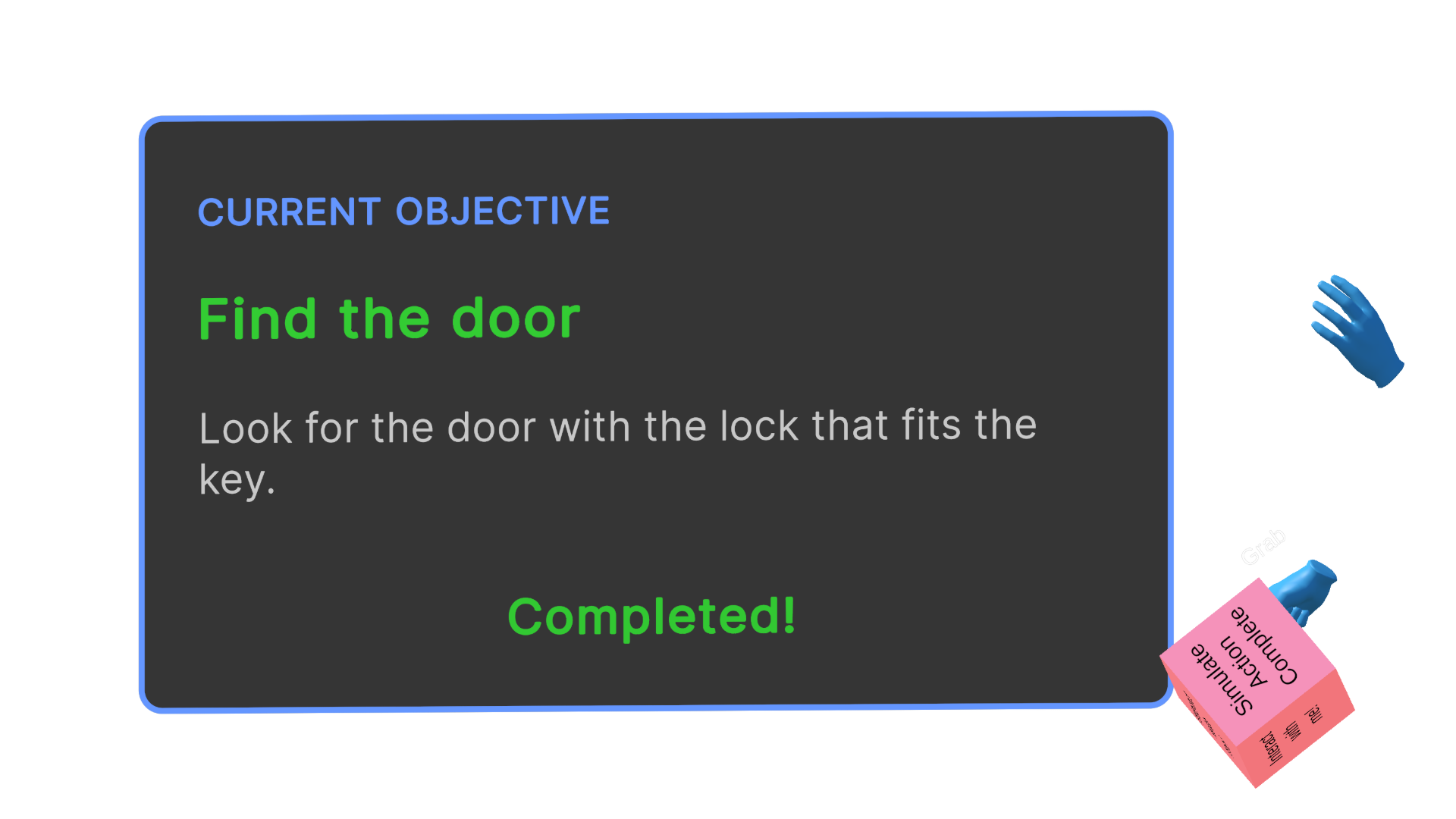
Current step 2 completed
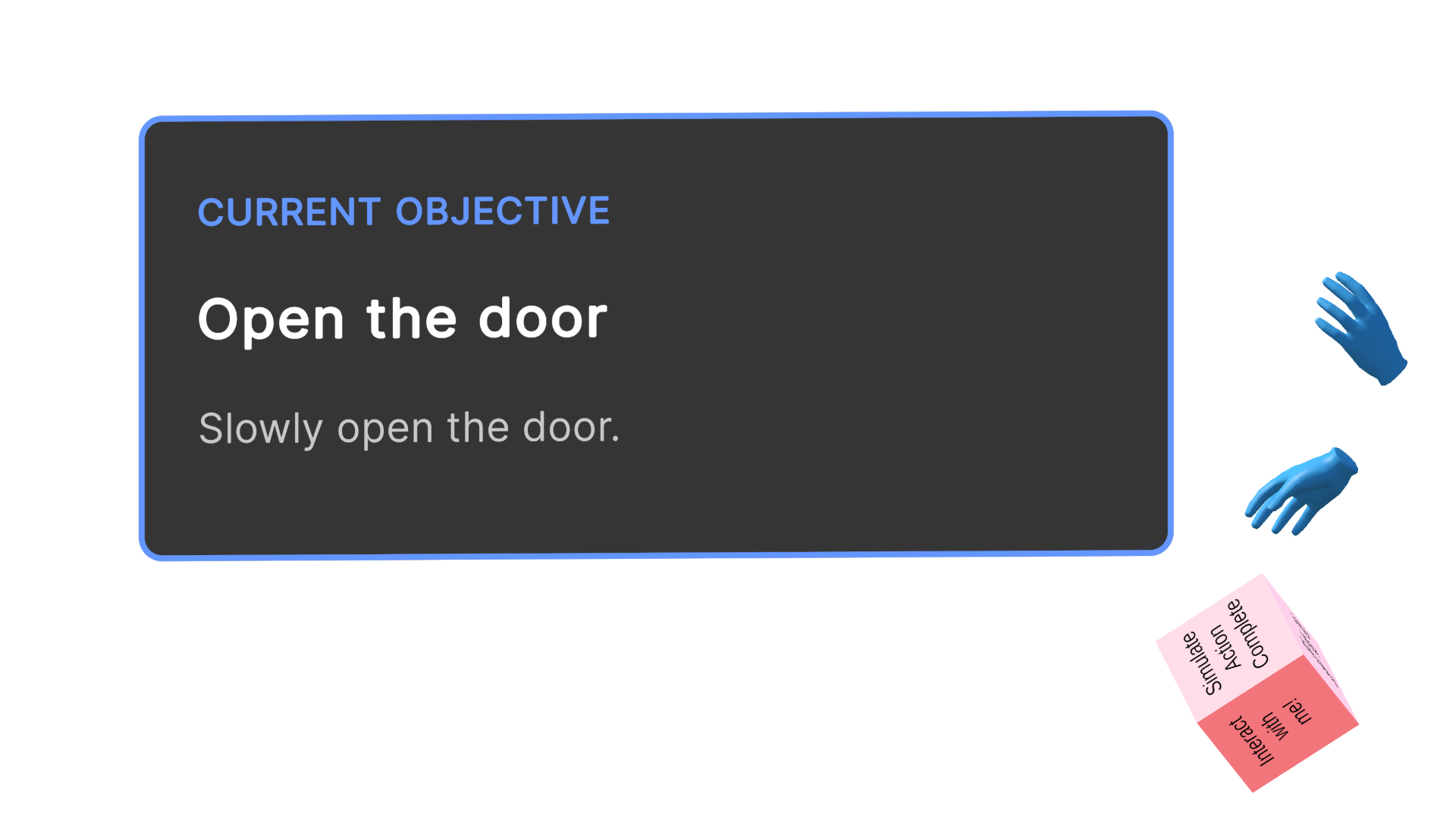
Current step 3
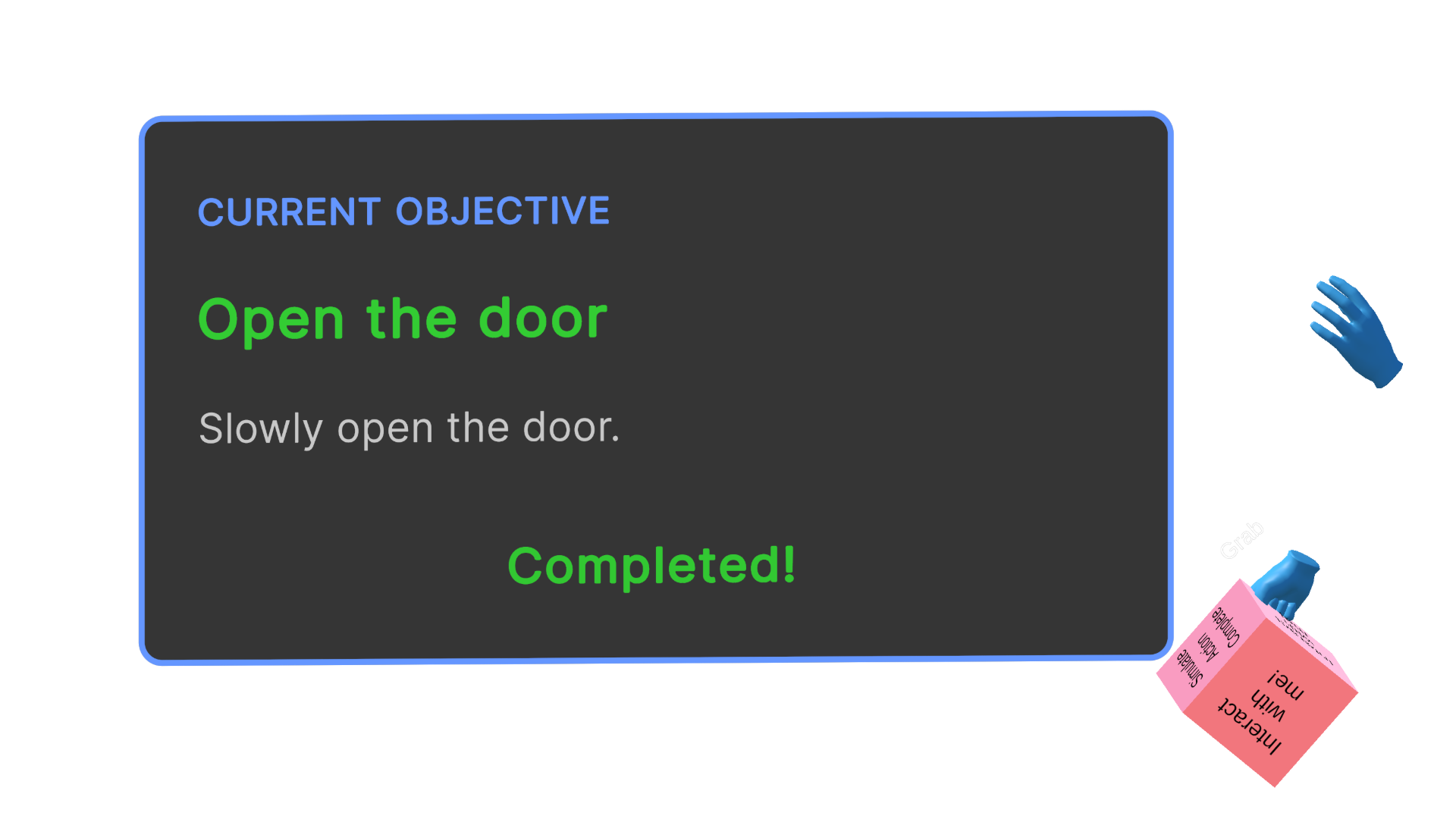
Current step 4 completed
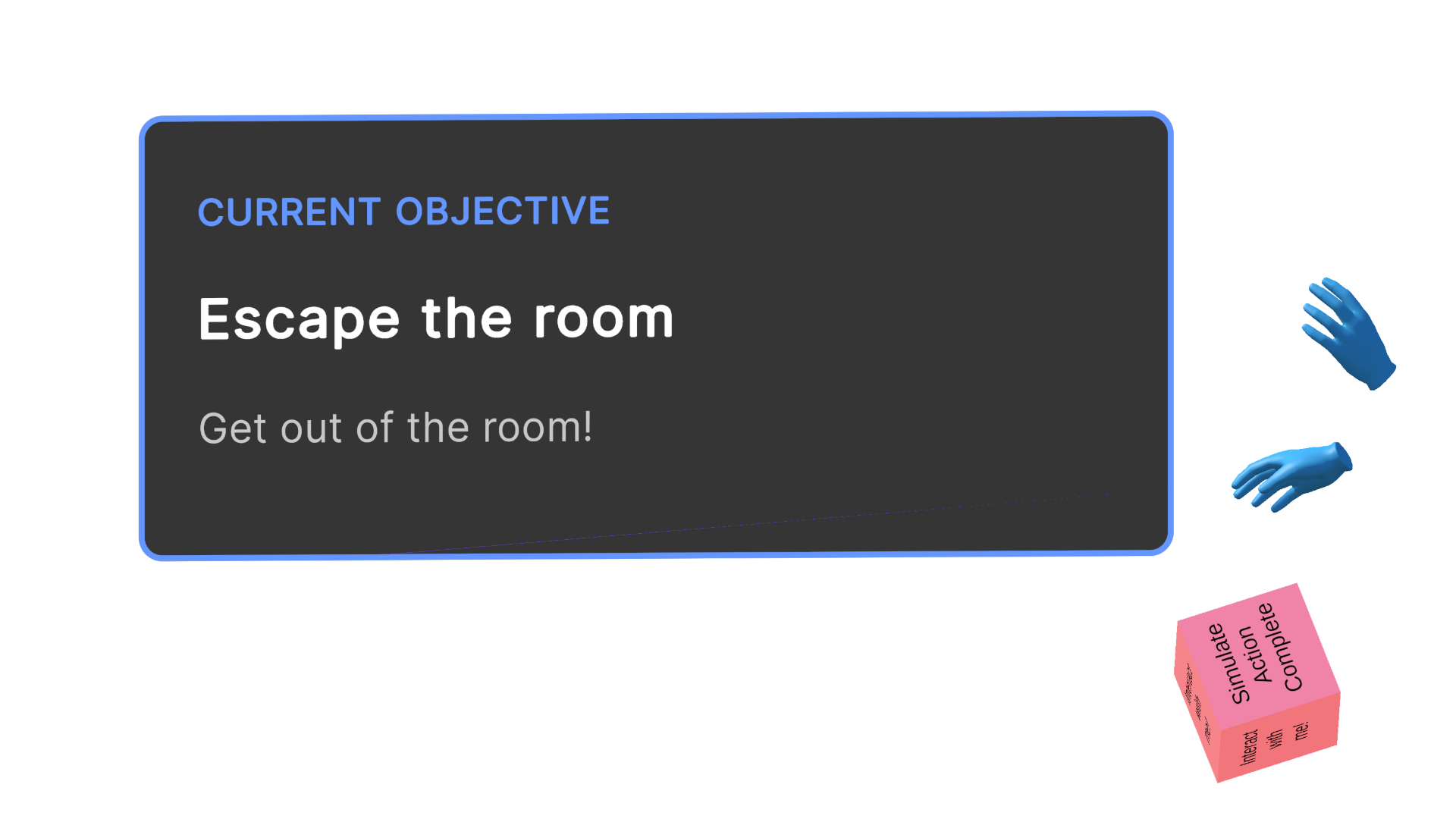
Current step 5
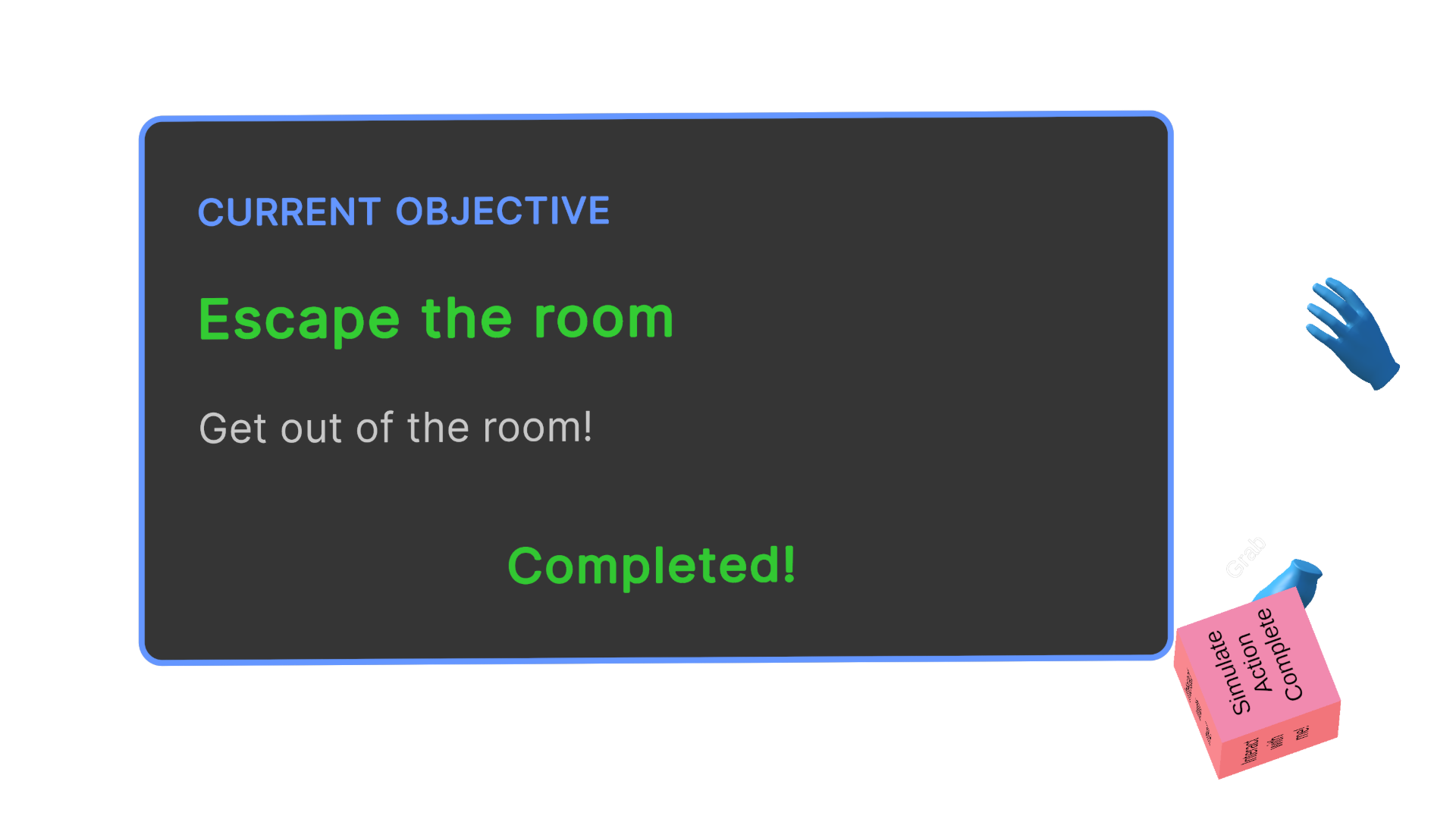
Current step 6 completed
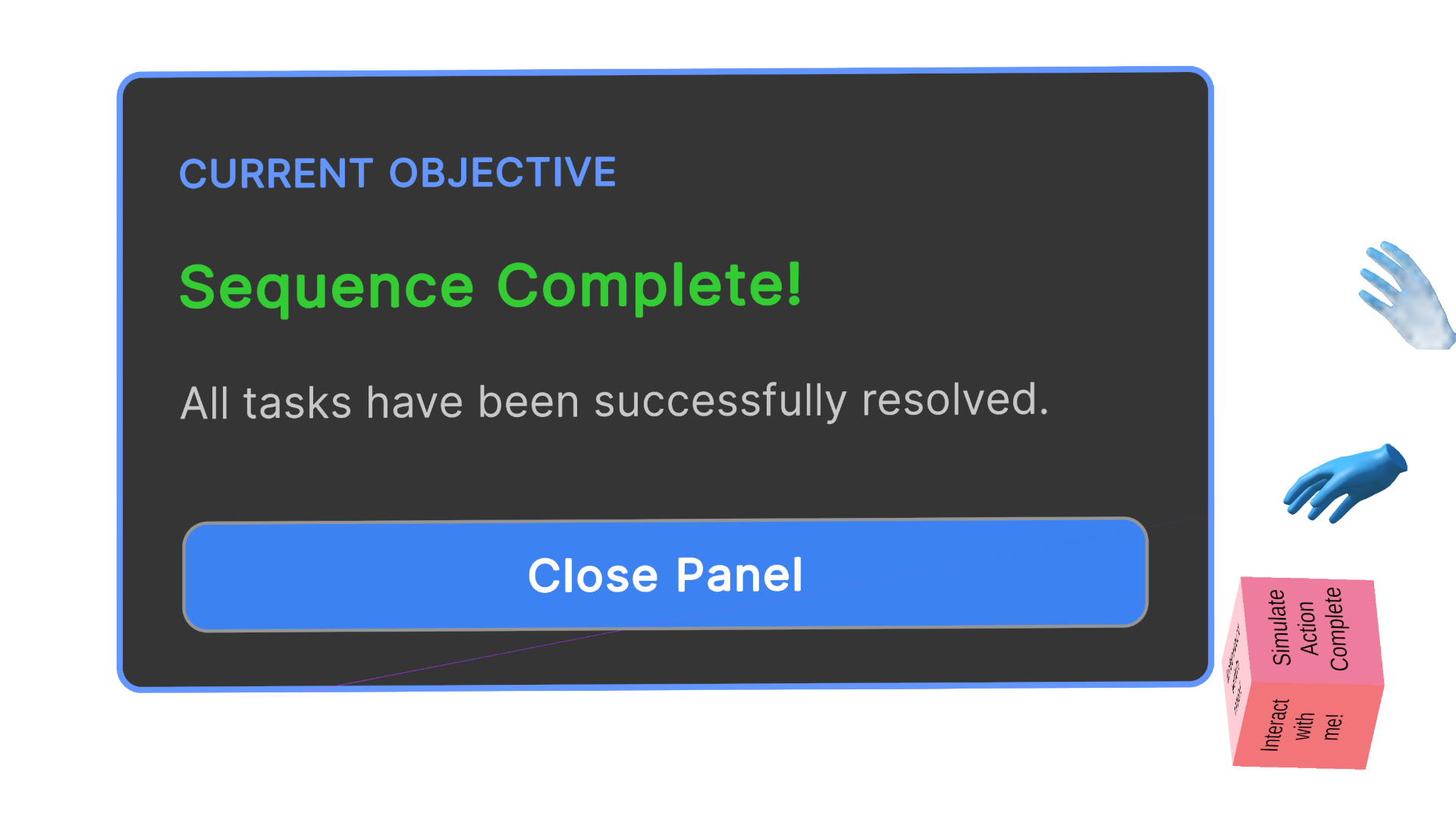
Current step 6 completed
Reference Pattern
// Pseudo-code for The Current Step HUD Implementation
// Tone: Technical Implementation Guide

[Serializable]
Struct TaskStep {
    String stepID;
    String instructionText;
    Sprite icon;
    GameEvent completionTrigger;
}

Class CurrentStepHUDManager : MonoBehaviour {

    // Configuration
    List<TaskStep> serialisedTaskQueue;
    Int currentStepIndex = 0;

    // User Interface References
    GameObject hudCanvas;
    TMP_Text hudText;
    Image hudIcon;
    AudioSource feedbackAudio;

    // Initialisation
    Function Start() {
        ValidateQueue();
        RenderActiveStep(currentStepIndex);
    }

    // Core Logic: State-Dependent Advancement & Persistent Visibility
    Function RenderActiveStep(Int index) {
        If (index >= serialisedTaskQueue.Count) {
            hudCanvas.SetActive(false); // Queue exhaustion
            Return;
        }

        TaskStep currentStep = serialisedTaskQueue[index];

        // Render strictly the current index (N)
        hudText.SetText(currentStep.instructionText);
        hudIcon.SetSprite(currentStep.icon);

        // Bind listener to the explicit logical condition required to advance
        EventManager.ListenFor(currentStep.completionTrigger, ExecuteStepResolution);

        // Ensure HUD remains persistently active (no temporal fading)
        hudCanvas.SetActive(true);
    }

    // Execution: Multimodal Feedback & Pointer Advancement
    Function ExecuteStepResolution() {
        // 1. Execute immediate multimodal confirmation prior to advancing
        feedbackAudio.PlayOneShot("SuccessChime");
        PlayAnimation("VisualStrikethrough");

        // 2. Deregister listener to enforce strict state control
        EventManager.StopListening(serialisedTaskQueue[currentStepIndex].completionTrigger);

        // 3. Serialisation: Increment pointer to N+1
        currentStepIndex++;

        // 4. Render subsequent step after brief latency for cognitive processing
        Coroutine.Start(TransitionToNextStep(1.5f));
    }

    IEnumerator TransitionToNextStep(Float delay) {
        Yield Return WaitForSeconds(delay);
        RenderActiveStep(currentStepIndex);
    }
}
Dependencies
Linear Task Segmentation Behaviour: Essential to generate the single-step instructions.
State-Based Persistence Behaviour: Essential to ensure the instruction does not vanish before it is read.
Enhancements
Consistent Layout Anchoring Behaviour is recommended to ensure the user instinctively knows where to look for guidance.
Multimodal Consistency: The use of redundant communication channels (e.g., pairing text with symbolic icons) can enhance comprehension and retention of instructions, particularly for users with diverse cognitive processing styles. This pattern is recommended to ensure the instruction is accessible and easily understood by a wide range of users.