UX Framework
The Linear Flow System
Interaction Pattern
Overview
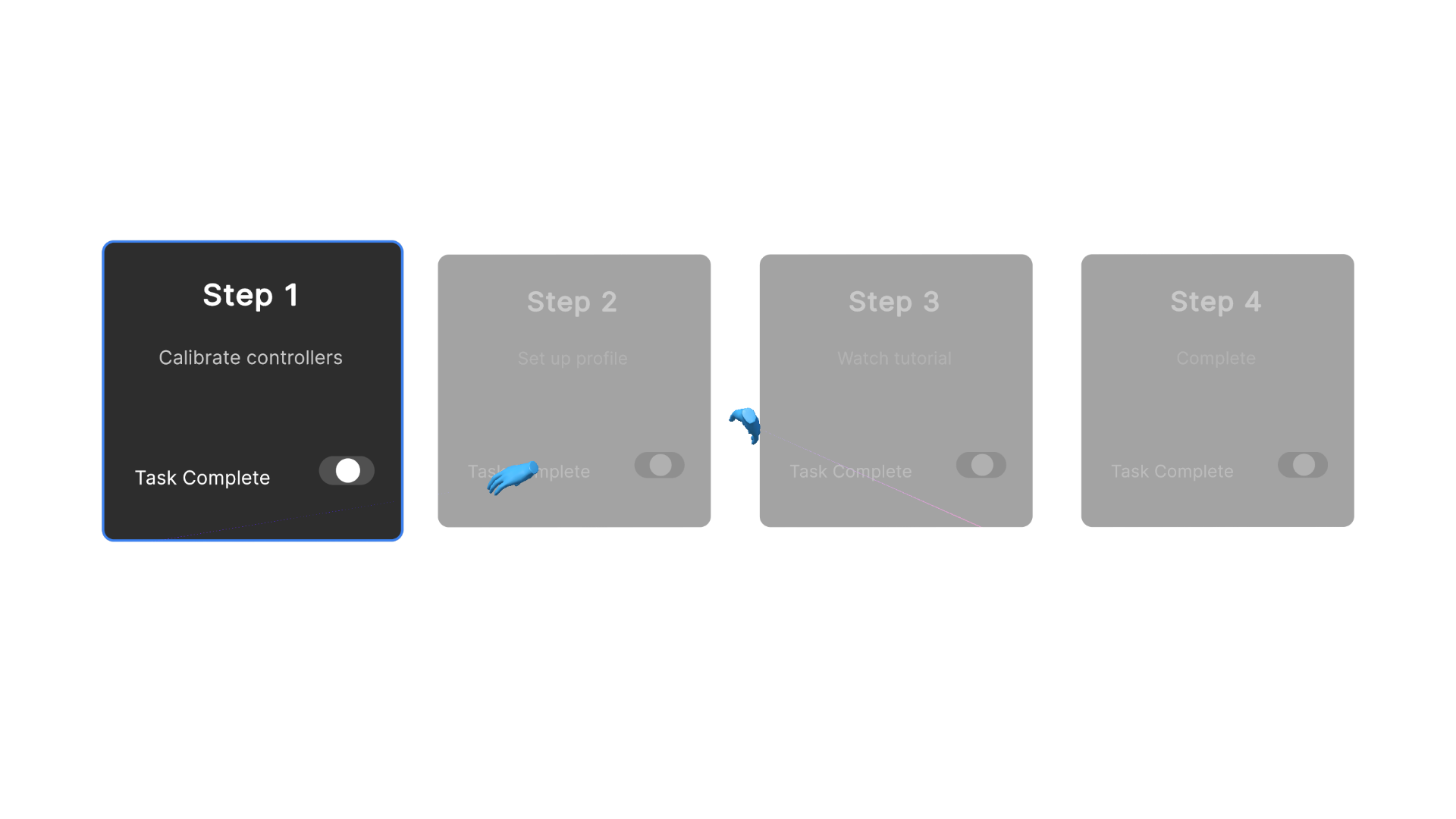
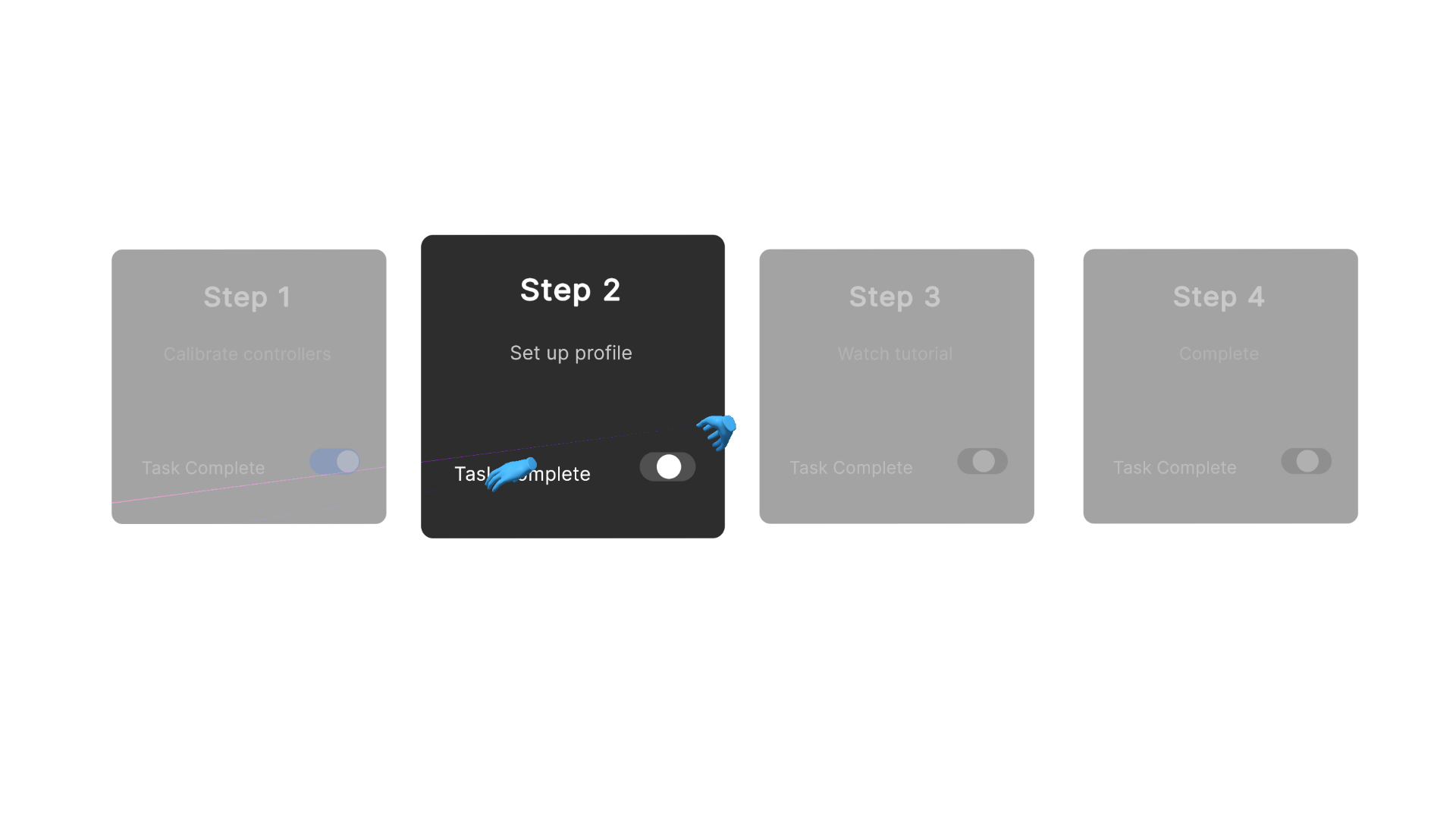
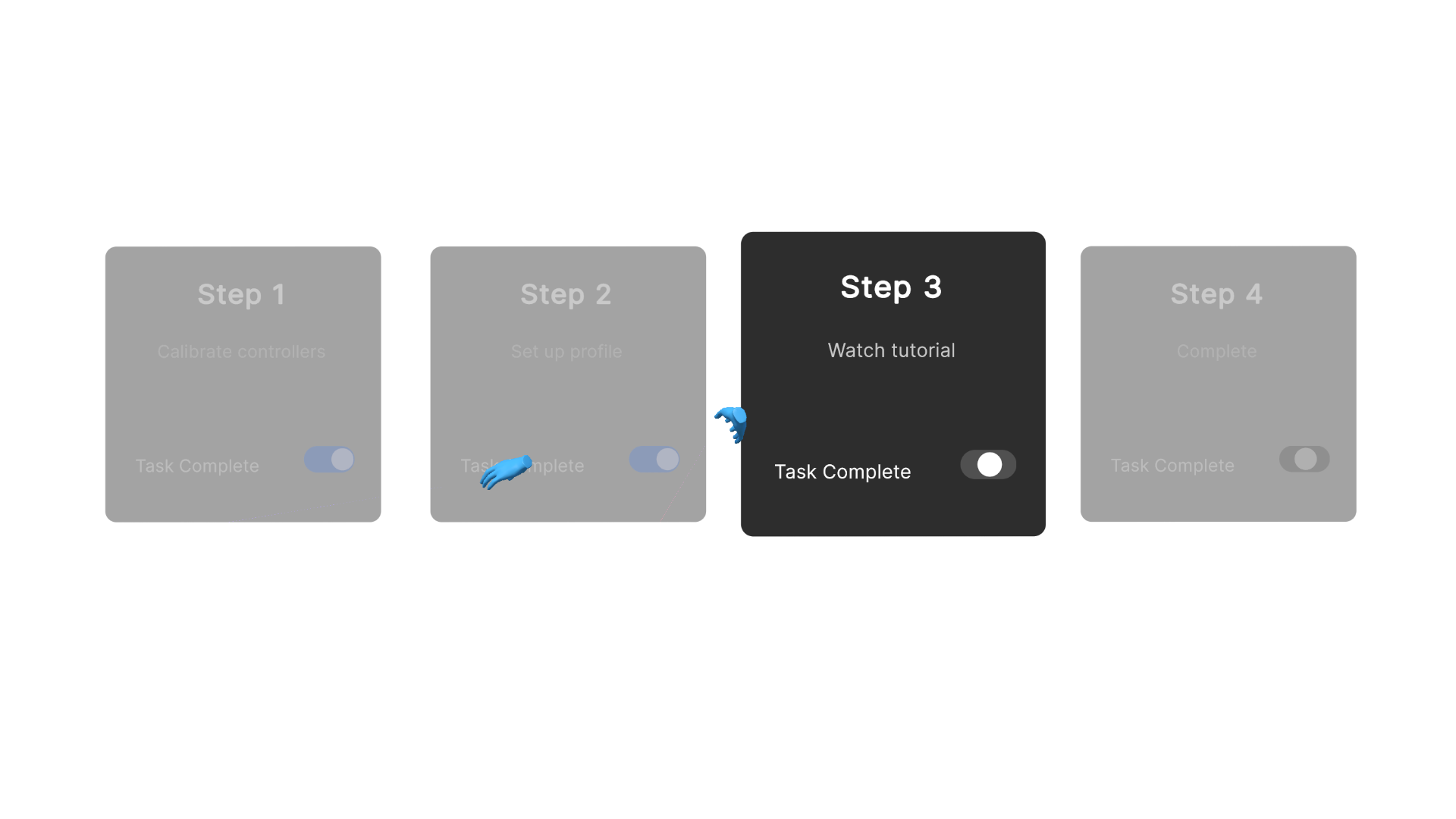
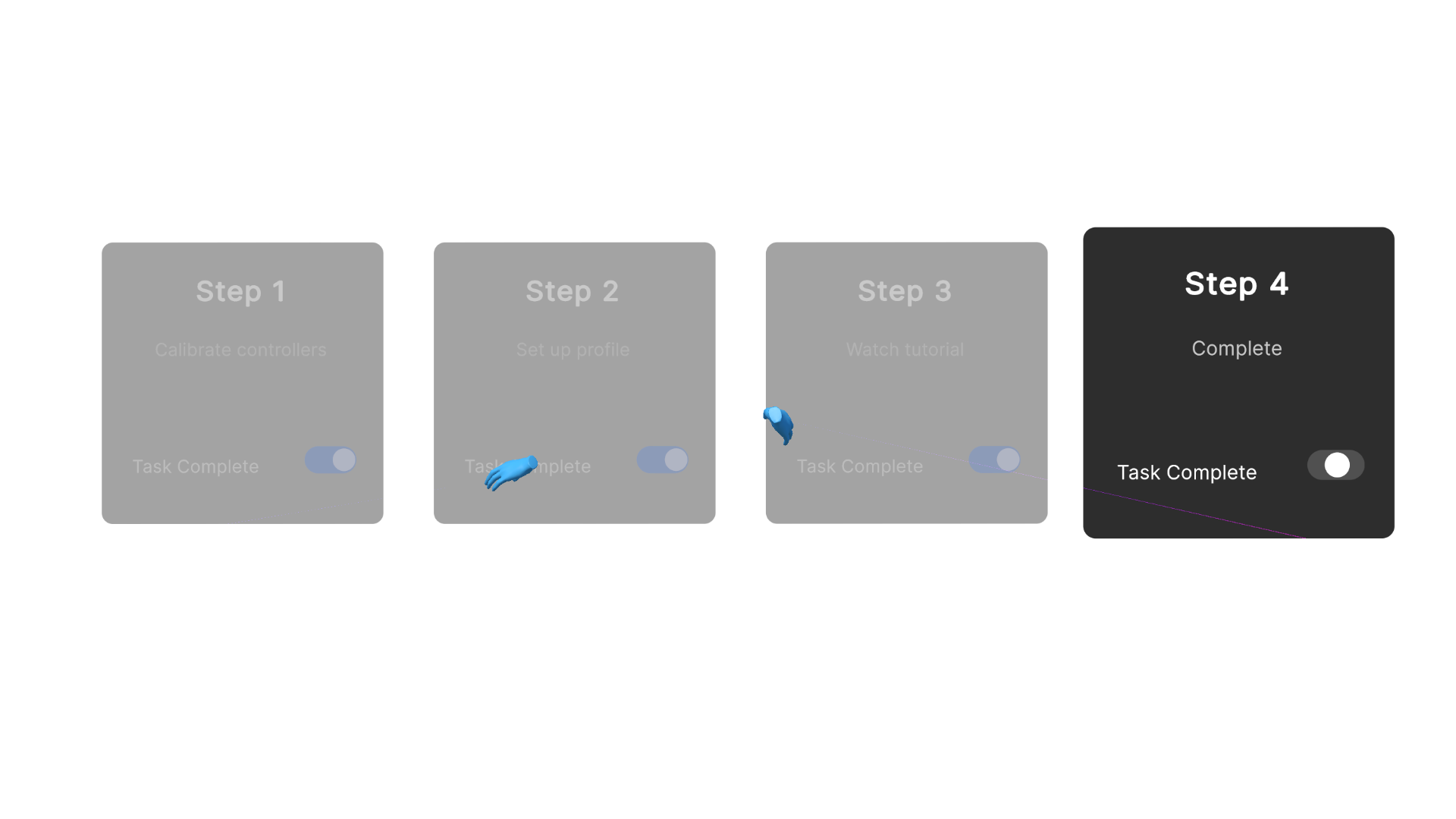
The Linear Flow System is a user interface pattern designed to manage complex, multi-stage procedures (such as initial calibration or authentication) by rendering them as a strict, sequential timeline. Crucially, it visually presents the entire process sequence to provide continuous context regarding the total sequence length, while restricting interactive access to subsequent steps until the current one is validated. This mitigates cognitive load and prevents unrecoverable error states by clearly indicating the user's current position within the complete flow.
Implementation Specification
To successfully execute The Linear Flow System, the application architecture must enforce strict state gating whilst providing a deterministic visual roadmap of the entire process.
- Global Sequence Visualisation: The system must render a persistent visual roadmap of the entire multi-stage process (e.g., a node map or segmented timeline). The entire sequence remains visible at all times to provide the user with clear expectations regarding the task's duration and scope.
- Interactive State Gating: While the global sequence is visible, interaction with the detailed content of future steps (index $N+1$) must be strictly blocked at the logic level until the specific input criteria of the currently active step (index $N$) are mathematically evaluated as true.
- Active Context Rendering: The detailed user interface elements (controls, text prompts, interactive objects) of the currently active step must be prominently rendered. The specific content of locked future steps should remain hidden or disabled to prevent cognitive overload, even though their corresponding nodes on the timeline are visible.
- Controlled Regression: The system must permit unrestricted backward navigation to previously completed states, allowing users to amend prior inputs without resetting the entire sequence or losing overall progress.
- Explicit State Advancement: The transition between steps must be driven by an explicit, user-initiated confirmation action (e.g., triggering a "Next" button) rather than executing automatically upon validation, ensuring the user remains in control of the pacing.
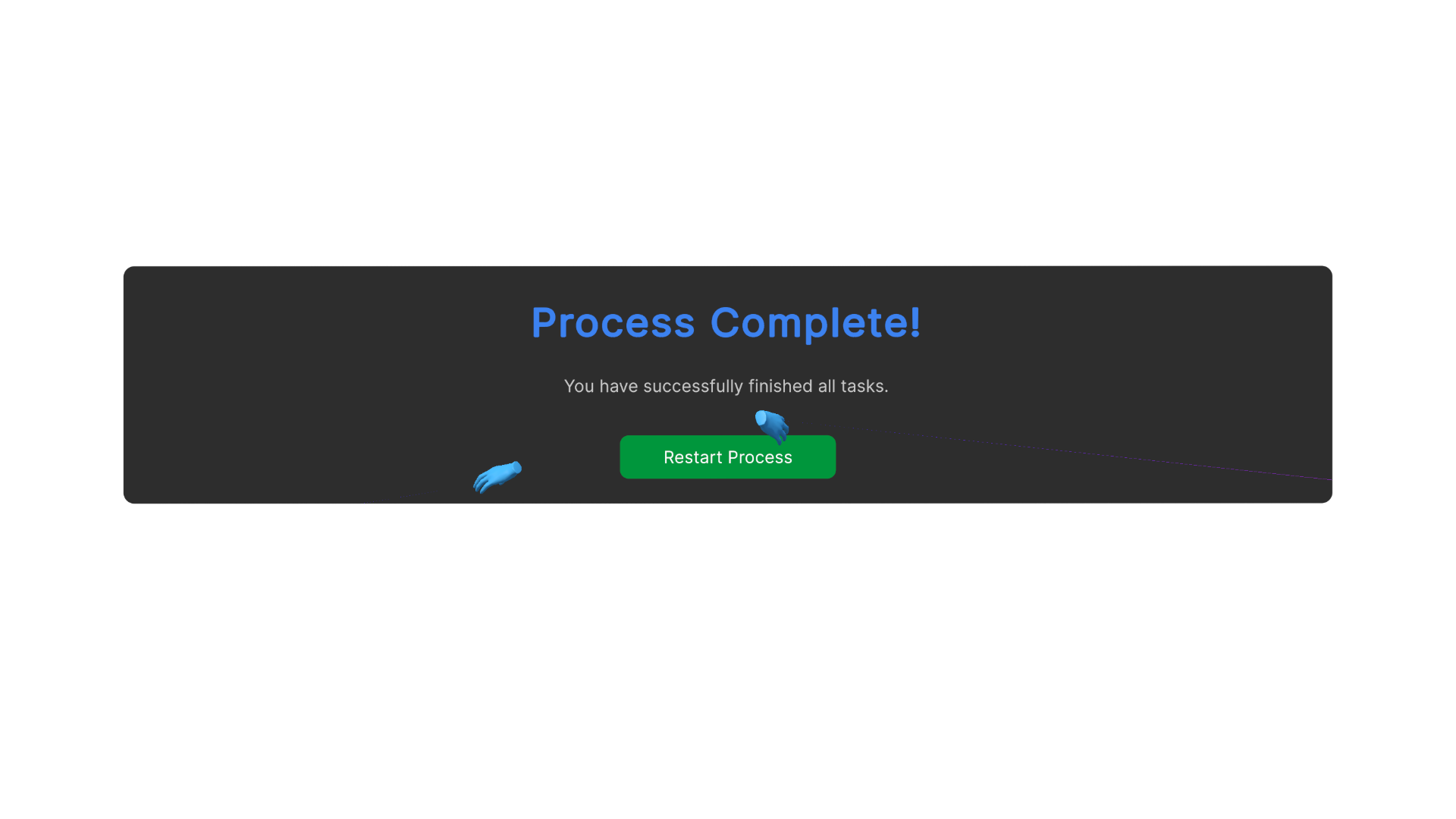
Reference Pattern
// Pseudo-code for Linear Flow System Implementation
// Tone: Technical Implementation Guide

Class LinearFlowManager : MonoBehaviour {

    // Configuration
    List<FlowStepData> flowSteps;     // Data arrays defining the entire sequence
    Int currentStepIndex = 0;

    // User Interface References
    GameObject sequenceRoadmapCanvas; // The persistent visual timeline
    List<NodeUI> sequenceNodes;       // Visual indicator icons for the complete sequence
    Transform activeContentContainer; // Container for rendering the current step's interactive UI
    Button nextButton;
    Button previousButton;

    // Initialisation
    Function Start() {
        // Render the global map and load the first step
        sequenceRoadmapCanvas.SetActive(true);
        ActivateStep(currentStepIndex);
    }

    // Core Logic: Context Rendering and Node Updates
    Function ActivateStep(Int index) {
        // 1. Update the visual states of the entire sequence map
        UpdateNodeVisualStates(index);

        // 2. Load and render strictly the interactive content for the active index
        currentStepIndex = index;
        activeContentContainer.LoadContent(flowSteps[currentStepIndex].UIContent);

        // 3. Evaluate navigation permissions
        EvaluateValidationState();
    }

    Function UpdateNodeVisualStates(Int activeIndex) {
        // Iterate through the full sequence to update visual indicators
        For (Int i = 0; i < sequenceNodes.Count; i++) {
            If (i < activeIndex) {
                sequenceNodes[i].SetState("Completed");
            } Else If (i == activeIndex) {
                sequenceNodes[i].SetState("Active");
            } Else {
                sequenceNodes[i].SetState("Locked");
            }
        }
    }

    // State Gating Logic
    Function EvaluateValidationState() {
        // Query the active step's internal logic to determine if criteria are met
        Boolean isValid = flowSteps[currentStepIndex].ValidateInput();

        // Strictly gate forward progression based on the validation boolean
        nextButton.interactable = isValid;

        // Regression is permitted as long as the user is not at the origin
        previousButton.interactable = (currentStepIndex > 0);
    }

    // Execution: Forward Navigation (Bound to "Next" UI Event)
    Function AdvanceFlow() {
        If (flowSteps[currentStepIndex].ValidateInput() AND currentStepIndex < flowSteps.Count - 1) {
            ActivateStep(currentStepIndex + 1);
        }
    }

    // Execution: Backward Navigation (Bound to "Previous" UI Event)
    Function RegressFlow() {
        If (currentStepIndex > 0) {
            ActivateStep(currentStepIndex - 1);
        }
    }
}
Dependencies
Linear Task Segmentation Behaviour: Essential to break the process into manageable chunks.
State-Based Persistence Behaviour: Ensures the user is not forced to remember or is rushed through instructions.
Enhancements
Shallow Navigation Behaviour is recommended to keep the total number of steps to a minimum.
Adaptive Scaffolding Behaviour is recommended to allow users to bypass known instructional segments.